

Transducer Mount Installation Instructions

Your pole will come with a mount that works with LVS34, LVS32, and Active Target 1 & 2 on the pole. The mount in the bag is for Mega Live 1 & 2
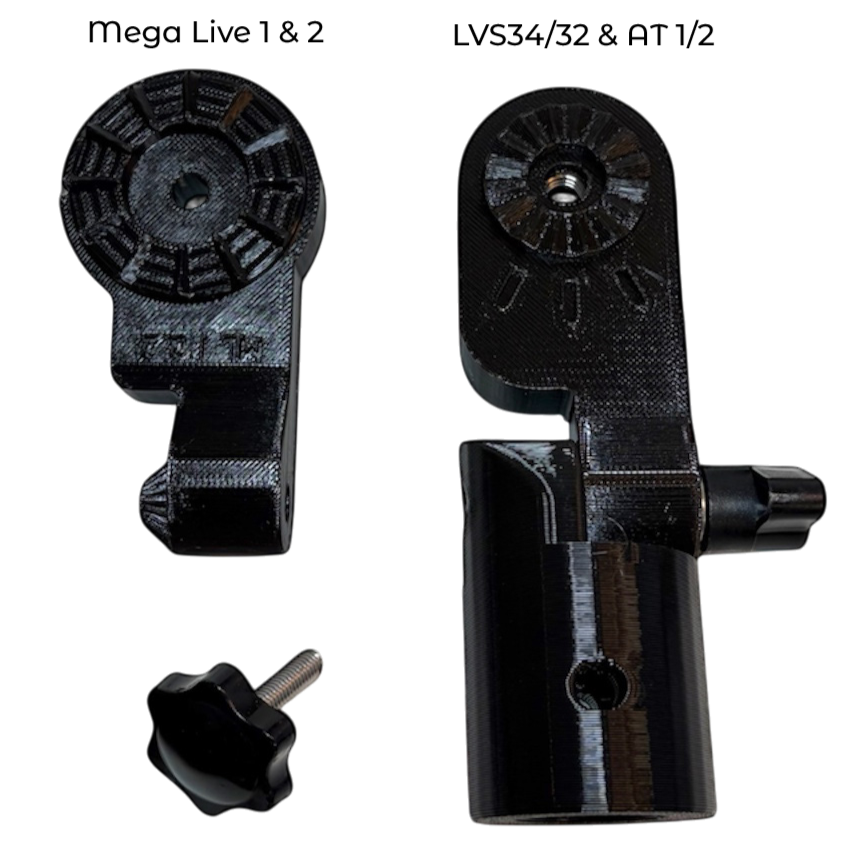
For use with Mega Live 1 or 2, swap the pole mount base onto the Mega Live mount.
LVS32, Mega Live 1 &2, and Active Target 1 & 2 will use the provided transducer knob

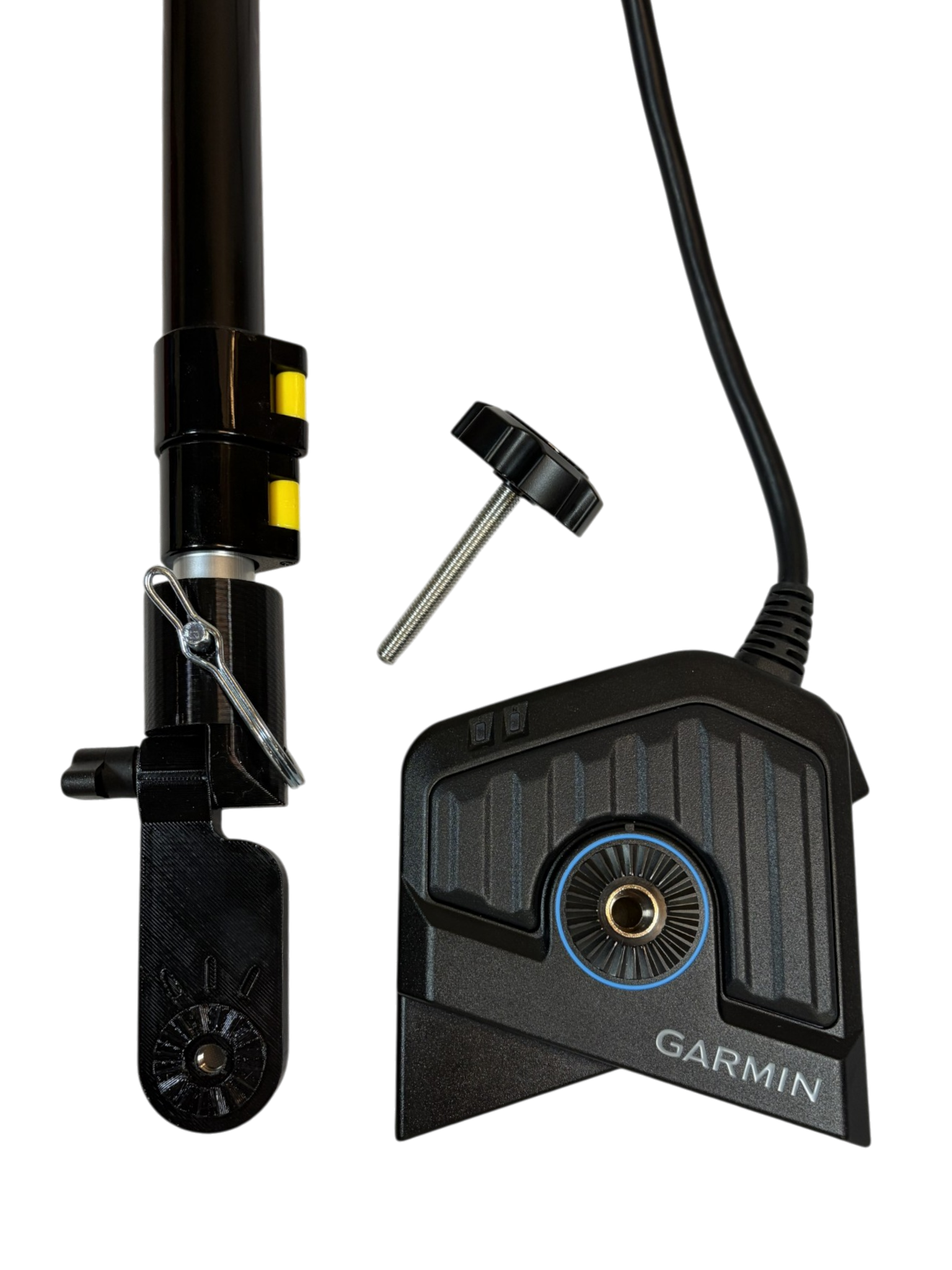
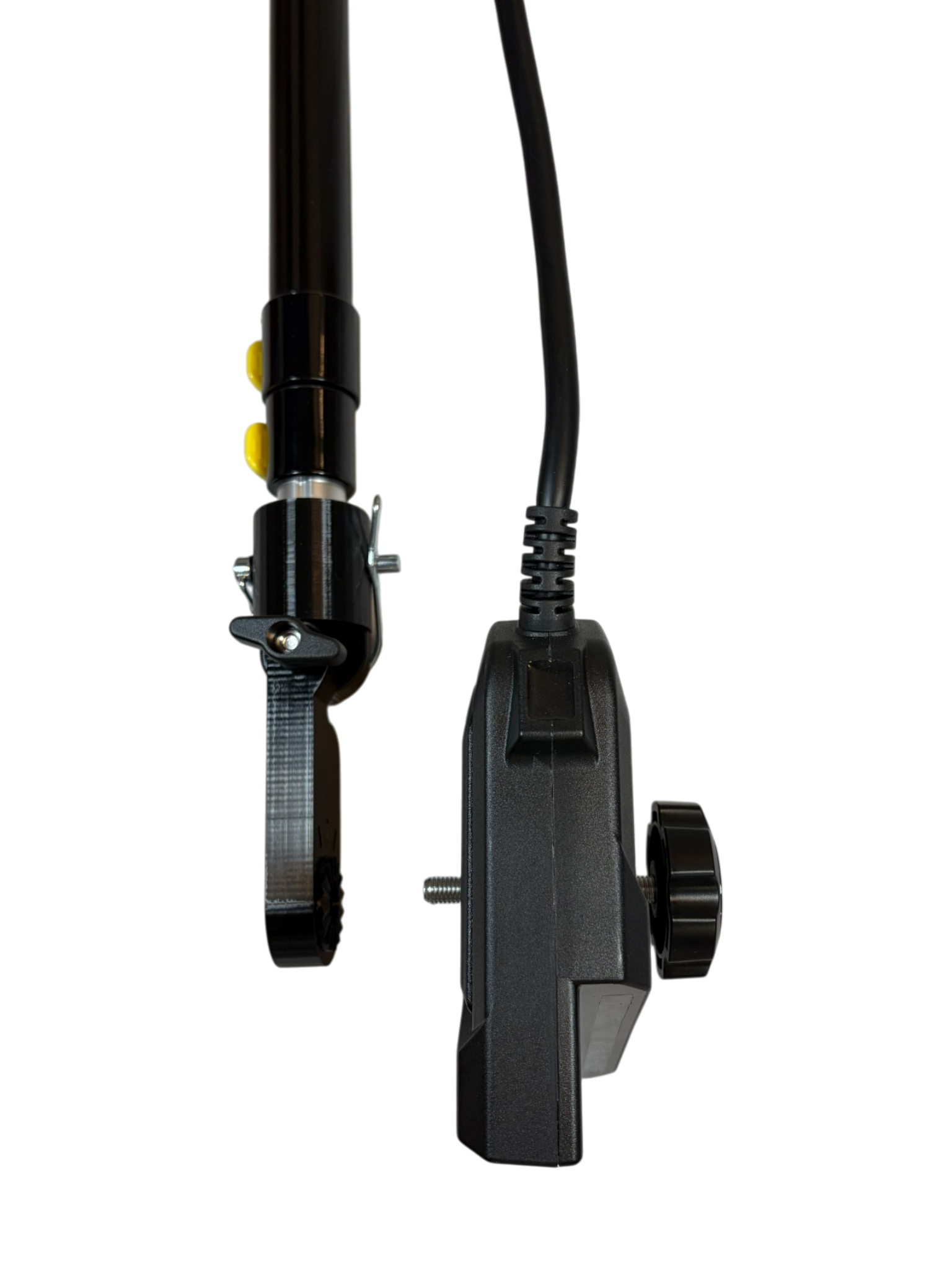
Hand tighten the transducer knob through the transducer mount and into the transducer. *Do not overtighten

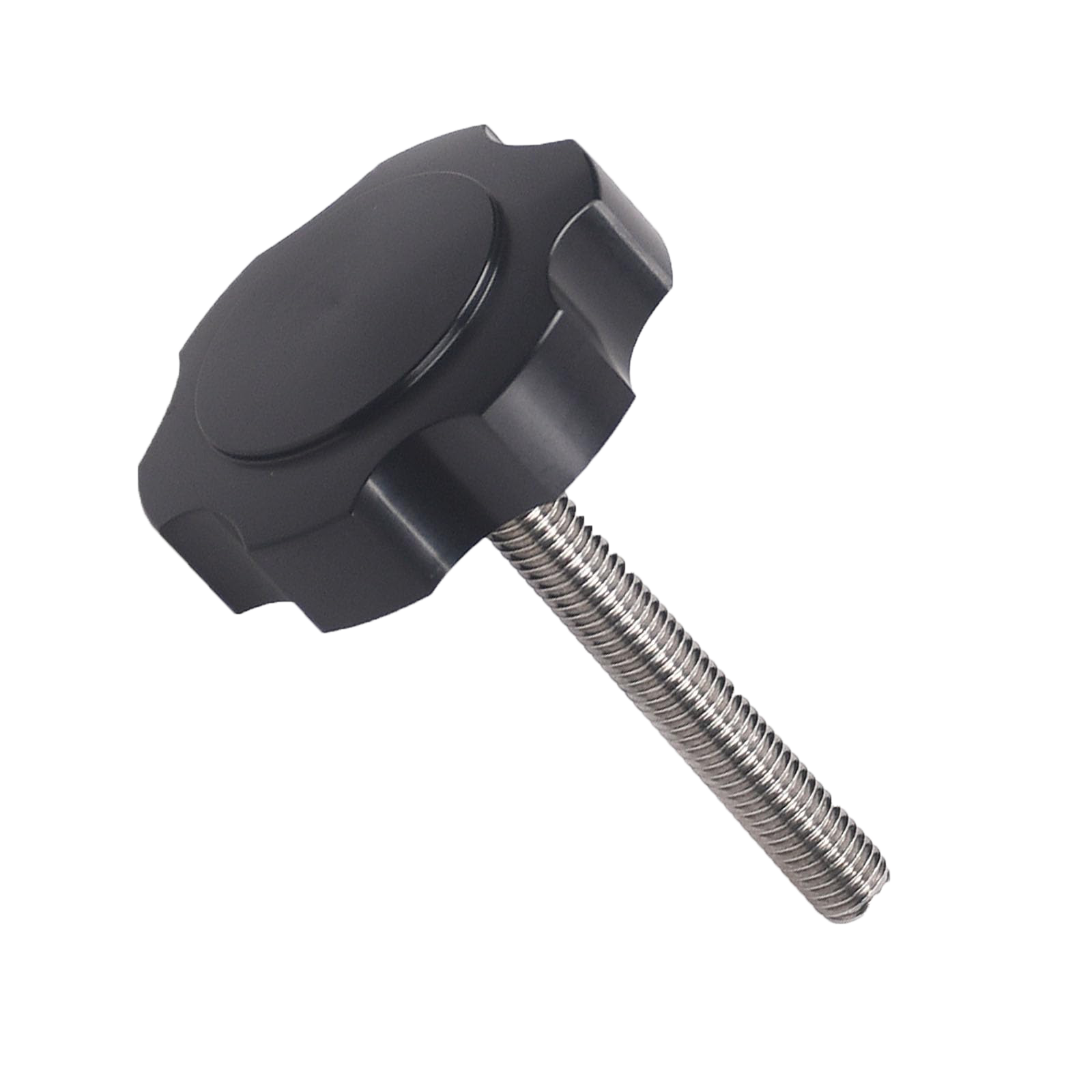
Use the factory LVS34 transducer knob. The knob will go through the transducer and into the transducer mount
Livescope 2 LVS42/44 Mount Coming Soon!
Use factory LVS42 transducer knob. Push knob through mount and thread into the transducer pole mount. We recommend having the ribbed side of the transducer surface facing the pole mount. Use the vertical ribs to align the mount straight up and down for down mode.
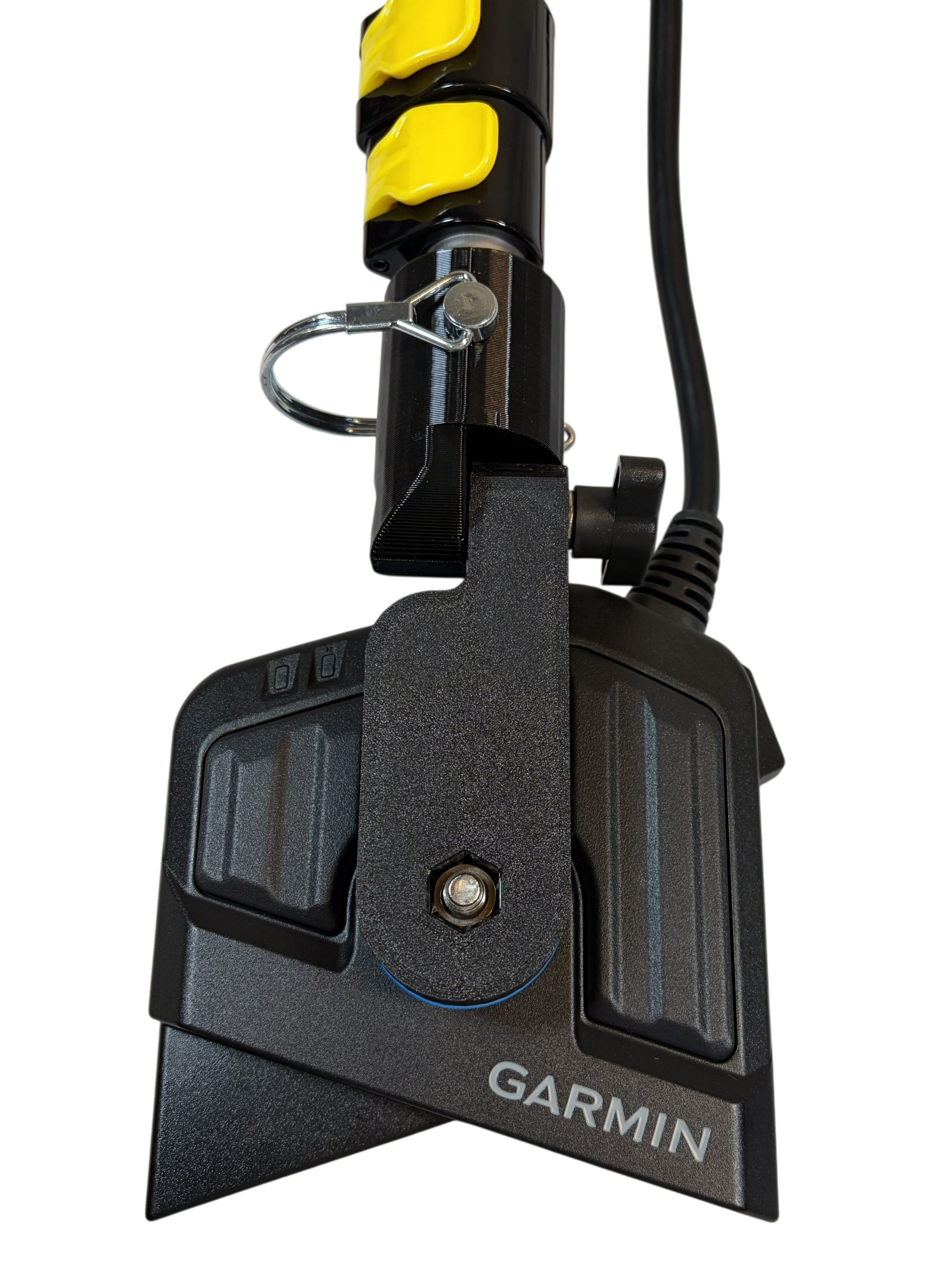
Mega Live Mount Installation Instructions

Install the factory Humminbird folding mount with the hinge on the right.


2. Line up the mark on the mount with the mode indicator on the Mega Live mount to select between forward, down, or landscape mode.

3. For landscape mode, rotate the mount to the “L” indicator and press the two silver release buttons on the mount until the mount unlocks. Flip the transducer out until the hinge locks.

Need Help?
We're here to assist you! Whether you're looking for more information about attaching a mount, understanding the different modes for your transducer, or have other questions, feel free to reach out. Just fill out the form, and we'll get back to you as soon as possible. Your fishing success is our priority!